Why I’m Disabling Facial Recognition on My Smart Lock
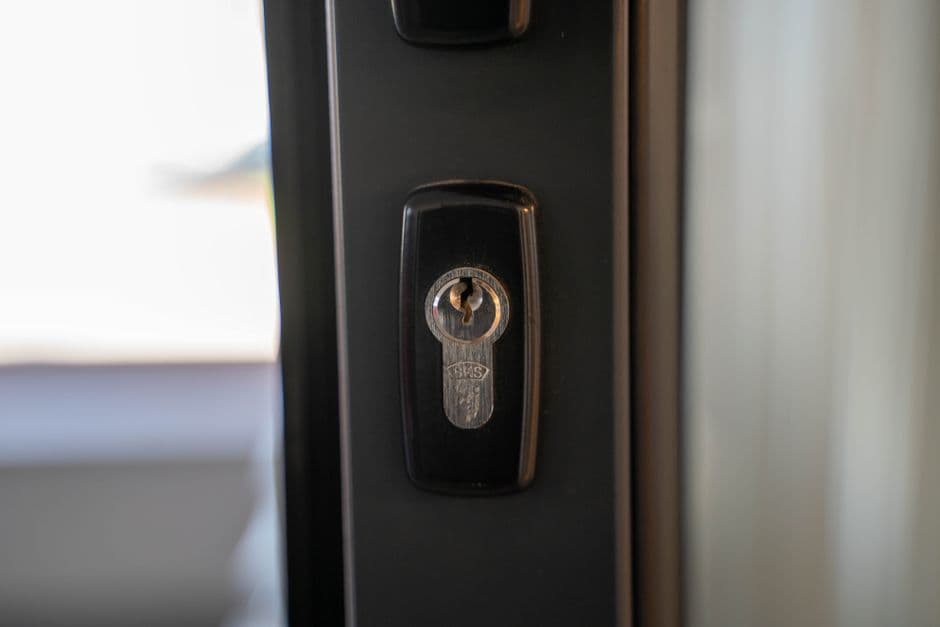
Smart locks promise a hands-free future, but after two weeks of front-door glitches, I’m trading convenience for a physical key.
Standing on my porch with a bag of groceries in one arm and a toddler tugging at my jeans, I wanted the "smart" part of my front door to work. That is the dream, right? You walk up, the lock sees your face, the deadbolt retracts, and you glide inside without ever digging through a pocket. After two weeks of living with a high-end facial recognition deadbolt, I’ve realized that the dream is a whole lot more stressful than a physical key.
I spent 14 days relying on a device that uses a dedicated camera and infrared sensors to map my face before granting entry. When it works, it feels like a low-stakes magic trick. But when it doesn't—and it fails often enough to be a genuine annoyance—you aren't just standing there feeling foolish; you’re stranded outside your own home.
The Friction of Failure
The primary issue isn't that the technology is broken; it’s that the environment of a front porch is hostile to precision optics. I found that if the sun hits the sensor at the wrong angle, or if I’m wearing a pair of sunglasses that aren't in the device’s "learned" database, the system simply refuses to budge.
The Verge’s review of current smart locks notes that these biometric systems are meant to balance security with speed, but they often struggle with environmental variables. That’s the crux of the problem. A key never cares if it’s bright, dark, raining, or if I’ve just come back from a muddy run. A key doesn't need to "verify" my identity against a cloud-based profile. It just works.
When the lock failed to recognize me, I had to wait for the system to time out, pull out my phone, open the companion app, and wait for the Bluetooth handshake to complete. That process takes longer than just turning a key in a cylinder. By the time the door clicked open, the "convenience" had long since evaporated, replaced by the specific, prickly frustration of staring at a blinking LED light while trying to keep a toddler from running toward the street.
When Smart Becomes a Chore
The setup process for these locks is admittedly impressive. You stand in front of the door, moving your head in circles like a malfunctioning robot while the app builds a 3D profile. It feels very "future." But there is a hidden cost to this data-heavy approach to home security. You are essentially turning your most private point of entry into a digital bottleneck.
I found myself constantly checking the app to see if my face profile needed "updating." Does it need a better angle? Do I need to re-scan with a hat on? The manual maintenance required to keep the lock "smart" feels like a chore I never signed up for. A mechanical deadbolt doesn't require firmware updates, and it certainly doesn't require me to troubleshoot my facial features every time I want to walk into my living room.
The Reliability Tradeoff
There is also the matter of trust. Facial recognition is impressive in a smartphone because you are usually indoors, in controlled lighting, and the device is mere inches from your face. Putting that same tech on a front door, exposed to the elements, is a different beast entirely.
If you are looking for a way to secure your home, a traditional high-quality deadbolt remains the gold standard for reliability. If you want convenience, a simple pin pad is faster, works in the rain, and doesn't care if you have a beard or a new pair of glasses.
I’m keeping the hardware on my door, but I’ve turned off the facial recognition features. I’m back to using a physical key for the heavy lifting and a simple numeric code for when my hands are full. It’s not as "cool," and it certainly won't impress anyone standing on the sidewalk, but it has one major advantage: it actually opens the door every single time I walk up to it.
Sometimes, the best technology is the kind that stays out of your way. For now, I’m happy to let my lock be a little bit dumber, provided it stays a whole lot more reliable.