Microsoft's Surface Laptop's 'Rumble' Trackpad: A Gimmick or a Glimmer of Tactile Hope?
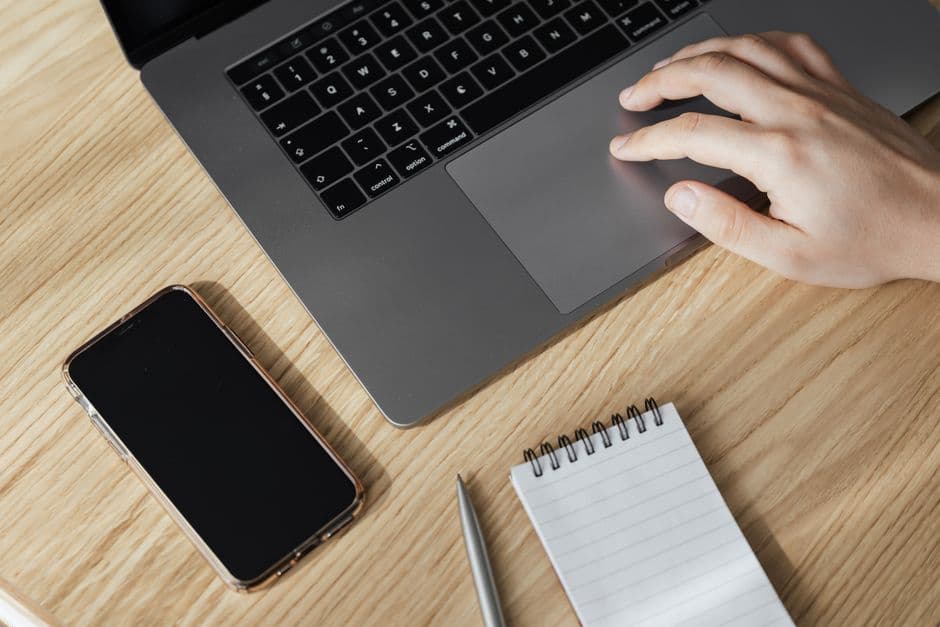
Microsoft's new Surface Laptops feature 'rumble' haptics in their trackpads. I put it to the test to see if this new tactile feedback actually makes a difference in daily use, or if it's just another tech flourish.
It’s a familiar sound, isn't it? That satisfying click when your finger lands on a physical mouse button, or the subtle resistance of a well-weighted keyboard key. For years, laptop trackpads have been a masterclass in flat-pack mediocrity. They’re a glass or plastic surface that tells you where your finger is, and that’s about it. Microsoft's latest Surface laptops are attempting to inject some life back into this digital void with what they’re calling a “rumble” trackpad. After spending some time with the new Surface Laptop 7, I’ve been asking myself: is this just another fleeting tech trend, or is it a genuine step forward in how we interact with our machines?
The move away from Intel processors to Microsoft's own Snapdragon chips in the Surface Laptop 7 signals a broader shift towards a more integrated, perhaps more refined, user experience. But for me, the real story on the surface is this new haptic trackpad. Forget the subtle vibrations you might have felt on older devices; this is meant to be more pronounced, more deliberate. It’s designed to mimic the feel of a physical click, offering different levels of feedback depending on what you’re doing.
My initial thought, like many, was skepticism. How much of a difference can a bit of simulated feedback really make? We’ve seen plenty of flashy features come and go in the tech world that ultimately serve little purpose beyond a marketing bullet point. The problem with most trackpads isn't just their lack of tactile response; it’s often their precision, their size, and their responsiveness. A good trackpad should feel like an extension of your hand, not an obstacle.
With the Surface Laptop 7, the rumble trackpad is designed to offer a more convincing approximation of a physical click. When you press down, there’s a distinct vibration, a little tremor that gives you that satisfying confirmation that your action has registered. It’s not a loud or jarring sensation, but it’s definitely noticeable. It feels… solid.
In practice, this translates to a surprisingly more confident interaction with the laptop. For simple tasks like clicking on icons or selecting text, the haptic feedback adds a layer of assurance. It’s akin to a photographer feeling the shutter button on a camera click – it’s a tangible confirmation. This can be particularly useful when you’re working in a noisy environment or have headphones on, where audio cues might be missed. The physical sensation becomes your reliable indicator.
Where I found the rumble trackpad most interesting was in gestures. Scrolling through web pages or documents felt smoother. While the visual feedback of movement is obvious, the subtle rumble accompanying a two-finger scroll or a three-finger swipe added an almost musical rhythm to the navigation. It’s hard to describe without feeling it, but it makes the digital feel a little more analog. It’s like the difference between sketching on a tablet and feeling the pencil drag on paper – the rumble adds a sensory layer that’s more than just visual.
However, it’s not all sunshine and simulated clicks. The intensity of the rumble can be adjusted, which is a good thing. At its default setting, it’s quite pronounced. Some might find it a little too much, almost distracting. Toning it down makes it more subtle, but then I started to wonder if I was losing the very thing that made it interesting in the first place. Finding that sweet spot where it feels satisfying without being intrusive is key.
And this brings me to the core question: is it a gimmick? If your primary concern is just getting from point A to point B on your screen, then perhaps the rumble trackpad is an unnecessary flourish. The trackpad still performs the essential functions of navigation and selection flawlessly, as you'd expect from a premium laptop. But for those of us who appreciate the nuances of physical interaction, who like our tech to feel considered and responsive, it’s more than that. It’s a glimmer of hope that manufacturers are still thinking about the tactile experience, not just the visual.
It’s easy to dismiss haptic feedback in general. We’ve seen it implemented in game controllers for years, adding a layer of immersion. But applying it to a laptop trackpad feels different. It's about the everyday, the mundane interactions that make up hours of our digital lives. If Microsoft can get this right, it could set a new standard. It could push other manufacturers to think beyond the flat glass and explore how to make our laptops feel more alive, more connected to our senses.
The real test will be how this feature holds up over time and whether it becomes a standard across more devices, or if it remains a niche innovation confined to the Surface line. For now, Microsoft's rumble trackpad is a compelling experiment. It’s a reminder that even in an increasingly digital and flat world, there’s still value in feeling something, even if it’s just a well-executed vibration under your fingertips. It’s not a revolution, but it’s a definite step in a direction that makes using a laptop feel a little more human.