Microsoft Finally Fixed the Living Room PC Problem—And It Might Matter More Than You Think
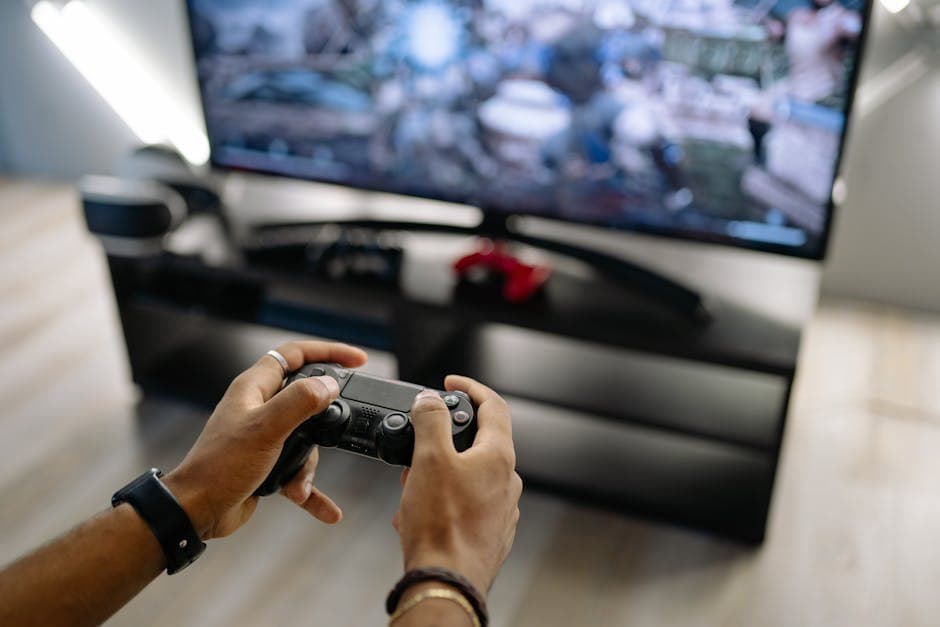
Microsoft's Xbox Mode transforms Windows 11 into a console-like gaming shell. We tested it on preview hardware to see if it finally solves PC gaming's fragmentation problem.
For two decades, I've watched PC gaming stumble on the one thing it should be best at: feeling natural in your hands. Consoles knew the trick—you turn it on, pick a game, play. A Steam Deck perfected it. But a regular gaming PC? You're navigating Windows 11's chaos with a controller, hunting through multiple launchers, fighting your OS for resources it'd rather spend on background updates. It's the opposite of relaxing.
Then, on April 30, Microsoft started rolling out Xbox Mode to Windows 11. And for the first time, I think Microsoft actually understands what they've been trying to build.
What Xbox Mode Actually Does
Xbox Mode is essentially a dedicated gaming shell for Windows 11. When activated, it replaces the standard desktop and Start menu with a streamlined, tile-based interface reminiscent of the Xbox Series X|S dashboard. Here's what grabbed me: the mode is designed to reduce background distractions and surface an aggregated library spanning Game Pass, cloud gaming, installed titles, and major PC storefronts. When I tested it on a Legion laptop running the preview build, Windows genuinely disappeared—no taskbar, no notification spam, no phantom updates demanding a restart.
It supports not only Microsoft Store and Game Pass titles but also games from Steam, Epic Games Store, and other launchers, provided they are installed and recognized. That's the fragmentation problem solved—finally one place to see your whole library instead of bouncing between four apps.
The Real Test: Handhelds
The obvious comparison is the Steam Deck, which has dominated the handheld gaming market. The device owns portability and simplicity—you boot directly into Steam, and it feels intentional. But Xbox Mode lives in the actual PC gaming world, and Microsoft's betting that consumers caught between handheld convenience and desktop flexibility will appreciate a middle ground.
Microsoft has published a list of "Designed for Xbox Mode" devices, which currently includes the ASUS ROG Ally X, Lenovo Legion Go S, and the Microsoft Surface Gaming Handheld, with these devices shipping with a custom Windows image that seamlessly integrates Xbox Mode. If you own one of those handhelds, Xbox Mode instantly makes Windows feel purposeful instead of like a full-size OS squished onto a 7-inch screen. No more hunting for the Start menu with your thumb. Just games.
What Works. What Doesn't.
I need to be honest about the friction. Some have noted that third-party launcher integration remains clunky, and Quick Resume support is currently sparse. Users must have third-party launchers like Steam installed and signed in ahead of time; if Steam is not running in the background, Xbox Mode can launch it automatically, but this adds a few seconds of delay. Early reports also flag multi-monitor quirks where Xbox mode defaults to the primary display; switching monitors mid-game can cause black screens.
The bigger picture: Xbox mode began rolling out on April 30 through the optional KB5083631 preview update for Windows 11 versions 24H2 and 25H2, with Microsoft rolling it out gradually so eligible PCs may not all see the toggle immediately after installing the update. The launch targeted ten markets: the United States, Canada, United Kingdom, Germany, France, Brazil, Mexico, Japan, Australia, and South Korea, with Microsoft planning wider release throughout May and June. Global availability is expected by mid-2025. So you might not have it yet, depending on your region and device.
Why This Matters
Here's the thing: Xbox Mode isn't trying to be a closed console. It's a system-level feature that can be toggled on manually through the Settings menu when you want it. You're not committing to it; you're choosing it when you want to game. Flip back to desktop whenever you need to fiddle with settings or run something else—no restart required. I verified the toggle path on the preview build I tested, and it's exactly as straightforward as it sounds.
Unlike Steam Big Picture, which primarily surfaces Steam games and relies on the Steam client, Xbox mode ties into Windows account management, system-level notifications, and hardware-accelerated performance tuning. That matters if you play across multiple storefronts or want native access to Windows-compatible games without hitting Linux compatibility layers.
The Honest Take
I've been skeptical of every ambitious gaming announcement for Windows for years because they all miss the actual problem: the experience between you and the game shouldn't feel like work. The Steam Deck proved that possible. Xbox Mode finally proves Microsoft gets it too. It's not hype—it's just smart reconciliation. You get a console's peace of mind without losing a PC's flexibility.
The rollout's still phased and region-locked, and there are real friction points left to solve. Third-party launcher delays are annoying. Multi-monitor support needs work. But if you've been caught between wanting a handheld PC and dreading what Windows brings to the table, this is worth keeping an eye on. Microsoft's finally building for the person holding the controller, not the person reading the spec sheet.